News
Why Does a POS System Freeze After Running for Several Days? Causes and Troubleshooting Guide
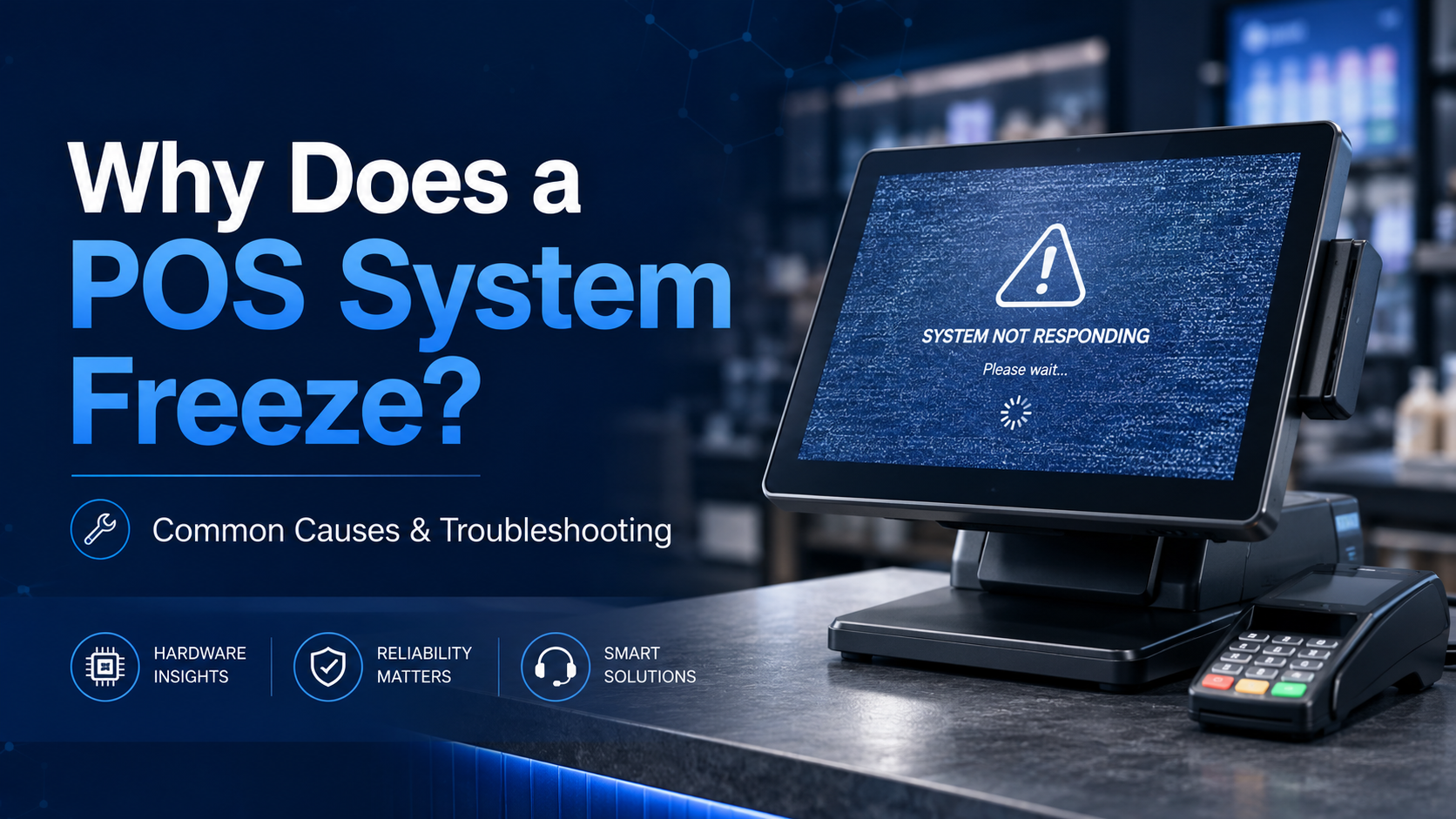
Why Does a POS System Freeze After Running for Several Days? Causes and Troubleshooting Guide
A POS system may freeze after running continuously for several days due to insufficient memory, low disk space, overheating, unstable peripheral drivers, SSD errors, or software/database overload. Unlike a home computer, a POS terminal is used in a commercial environment where it needs to process transactions, read and write database records, connect with receipt printers, barcode scanners, cash drawers, customer displays, and other peripherals for long hours every day.
When the POS screen freezes completely, the mouse and keyboard stop responding, and the image stays still, it usually means the system is under abnormal hardware, software, or thermal stress. Below are the most common causes and practical troubleshooting steps.
1. Insufficient Virtual Memory or Low Disk Space
One common reason for a POS computer freezing is insufficient system memory or limited storage space on the C drive.
POS software, especially systems with inventory management, membership management, or multi-store database synchronization, may generate large amounts of cache files, temporary files, and log data after several days of continuous operation. If the C drive has very little free space, or if virtual memory is not properly configured, the system may suddenly freeze due to memory overflow or insufficient resources.
How to troubleshoot
Check the remaining storage space on the C drive. It is recommended to keep at least 10GB or more of free space for stable system operation.
Clean unnecessary files, temporary files, and old software logs regularly. If the POS software generates large database logs, ask the software provider whether these files can be safely cleaned or archived.
Restart the POS terminal once a day, preferably after business hours or before opening. A regular reboot helps release occupied memory, clear temporary cache, and reduce the risk of system freezing after long-term operation.
2. Poor Ventilation and Overheating
Overheating is another major reason why a POS terminal may freeze during continuous use.
Many POS computers, compact POS terminals, and all-in-one POS systems are installed inside a cashier counter, cabinet, drawer, or narrow space with poor airflow. In some retail or restaurant environments, receipt paper rolls, plastic bags, cables, or other items may block the ventilation holes.
After several days of continuous operation, heat may build up inside the machine. When the CPU, motherboard chipset, graphics chip, or SSD becomes too hot, the system may freeze to protect the hardware.
How to troubleshoot
Check whether the air vents of the POS machine are blocked by paper rolls, packaging bags, dust, or other items.
Avoid placing the POS computer in a fully enclosed cabinet without airflow. Leave enough space around the machine for heat dissipation.
If the POS terminal is used in a hot restaurant, kitchen, supermarket, or outdoor kiosk environment, choose hardware with better thermal design, industrial-grade components, or fanless cooling designed for commercial use.
Regularly clean dust from the POS terminal, especially around the ventilation area and cooling structure.
3. Unstable Peripheral Drivers or Device Conflicts
A POS system usually connects with many external devices, including USB barcode scanners, receipt printers, cash drawers, card readers, customer displays, NFC readers, and payment terminals.
If one of these peripherals has an unstable driver, damaged cable, or communication error, it may cause the Windows USB service or device driver to crash. In some cases, this can lead to a complete POS system freeze.
This problem is common when a freeze happens right after a receipt printer error, paper jam, scanner failure, cash drawer trigger issue, or payment device disconnection.
How to troubleshoot
Update the drivers for the receipt printer, barcode scanner, cash drawer controller, and other connected POS peripherals.
If the system often freezes after a specific device is used, disconnect that device temporarily and test whether the POS system becomes stable.
Check USB cables, serial cables, power adapters, and connectors. Loose or damaged cables may cause unstable communication between the POS terminal and peripherals.
Avoid frequently plugging and unplugging POS peripherals during business operation unless necessary.
Use reliable peripheral devices and stable drivers that are compatible with the POS operating system.
4. SSD Failure or Unstable Storage
POS software frequently reads and writes transaction data, order records, inventory changes, payment logs, and database information. This means the SSD inside a POS computer works much harder than the storage drive in a typical office computer.
If the POS terminal uses a low-quality SSD, the drive may become unstable after long-term high-frequency read/write operations. In some cases, the SSD controller may overheat or generate write errors. When the system temporarily cannot access the SSD, the POS screen may freeze immediately.
This issue is sometimes called “SSD drop-off” or “drive disappearance” in hardware maintenance.
How to troubleshoot
Use SSD health check tools such as CrystalDiskInfo to check the health status, temperature, and error records of the SSD.
If the SSD health status is poor, replace it as soon as possible to avoid data loss and repeated POS freezing.
For commercial POS systems, it is recommended to use reliable SSD brands and storage devices designed for long-term stable operation.
Always back up important POS data, including transaction records, product databases, customer information, and software configuration files.
5. POS Software or Database Overload
In some cases, the POS hardware is not the only cause. The POS software itself may also become unstable after long-term operation.
If the software database becomes too large, if synchronization fails repeatedly, or if background services keep running without proper memory release, the POS terminal may gradually slow down and eventually freeze.
How to troubleshoot
Ask the POS software provider whether the software needs regular database maintenance, log cleanup, or version updates.
Check whether the POS software has the latest stable version installed.
If the POS system is connected to cloud services, inventory synchronization, or multiple branches, make sure the network connection is stable.
Monitor whether the system freezes during specific actions, such as printing receipts, closing bills, syncing data, scanning products, or processing payments.
What Should You Do When a POS System Freezes?
If the POS screen is frozen and the mouse or keyboard does not respond, follow these steps:
First, wait for one or two minutes to confirm whether the system is temporarily overloaded or completely frozen.
Second, check whether any external device, such as a receipt printer or barcode scanner, is showing an error.
Third, restart the POS terminal if the system does not recover.
Fourth, after restarting, check disk space, system temperature, connected devices, and SSD health.
Finally, record when the freeze happened and what operation was being performed at that time. This information can help identify whether the root cause is software, storage, overheating, or peripheral conflict.
How to Prevent POS Freezing in Daily Use
To keep a POS terminal stable during daily business operation, follow these preventive steps:
Restart the POS system once a day before or after business hours.
Keep enough free space on the system drive.
Clean temporary files and software logs regularly.
Ensure good ventilation around the POS machine.
Avoid placing the POS computer in a fully enclosed counter or cabinet.
Update drivers for receipt printers, scanners, card readers, and other peripherals.
Use reliable SSD storage and check drive health regularly.
Back up important transaction and database files.
Choose commercial-grade POS hardware designed for long working hours.
When Should You Consider Replacing the POS Hardware?
If the POS system freezes frequently even after cleaning files, improving ventilation, updating drivers, and checking the SSD, the hardware may no longer be suitable for commercial use.
You may need to consider upgrading the POS terminal if:
The machine is old and runs slowly during normal operation.
The SSD health status is poor.
The system overheats frequently.
The POS has insufficient memory or storage.
The motherboard, USB ports, or power supply are unstable.
The business requires more peripherals, faster response, or longer working hours.
For retail stores, restaurants, supermarkets, hotels, pharmacies, and self-service checkout environments, a stable POS computer is essential for smooth daily operation. Choosing a reliable commercial POS terminal can reduce downtime, improve checkout efficiency, and provide a better customer experience.
FAQ
Why does my POS system freeze after running for several days?
A POS system may freeze after continuous operation because of low memory, insufficient disk space, overheating, unstable drivers, SSD problems, or software database overload.
Can a receipt printer cause a POS computer to freeze?
Yes. If the receipt printer driver is unstable, the cable is damaged, or the printer has frequent errors such as paper jams, it may cause the POS system to freeze or stop responding.
Can overheating cause the POS screen to freeze?
Yes. Poor ventilation and high internal temperature can cause the CPU, motherboard, graphics chip, or SSD to become unstable, resulting in a frozen screen.
How often should I restart a POS terminal?
For commercial environments, it is recommended to restart the POS terminal once a day, either before opening or after closing, to release system memory and clear temporary cache.
How can I check whether the SSD is causing the POS freeze?
You can use SSD health check tools such as CrystalDiskInfo to check the SSD health status, temperature, and error records. If the SSD shows warnings or poor health, it should be replaced.
What type of POS hardware is better for long-term business use?
A commercial-grade POS terminal with stable thermal design, reliable SSD storage, sufficient memory, strong I/O compatibility, and high-quality components is better suited for long-term retail and restaurant operation.
Conclusion
A frozen POS system is usually not caused by one single factor. It may be related to memory usage, disk space, overheating, peripheral drivers, SSD health, or POS software database load. By checking these issues step by step, businesses can reduce downtime and keep checkout operations running smoothly.
For companies that need stable POS terminals, touch monitors, self-service kiosks, mini PCs, or customized commercial hardware solutions, Vast Vision provides reliable hardware options designed for retail, restaurant, hospitality, supermarket, and self-service applications.
RELATED NEWS
- Why Are Most Touchscreen POS Terminals 15 or 15.6 Inches? POS Hardware Guide 2025-01-18
- self ordering kiosk scenary & advantage & disadvantage 2026-03-13
- application scenarios of customer display and how to deploy 2024-01-15
- How to choose capacitive touch or resistive touch monitor 2019-02-16
- the importance of embedded displays and Mini-PCs for self-service terminals (k 2025-02-06
CATEGORIES
LATEST NEWS
CONTACT US
Contact: Cherry Jiang
Tel: 0755-89329286
E-mail: info@vastvision.com.cn
Whatsapp:0086-13530966019
Add: Bldg. 4, Lane A, Shangxue City,Science and Technology, Longgang District,ShenZhen,GuangDong Province
